Bring order to anything you allocate.
Allocate time, spaces and items with clear rules, shared visibility and automatic updates.
Ordallo pronounced or-DAL-oh
- A live board for everyone in the sign-up
- Calendar invites for practice-time picks
- A record of every selection
Already invited? Open your sign-up.
- 18th Grade GirlsTue 6:30 ✓
- 28th Grade BoysMon 6:30 ✓
- 37th Grade GirlsWed 6:30 ✓
- 47th Grade BoysOn the clock 0:38
- 56th Grade GirlsUnlocks next
- 66th Grade BoysWaiting
Event types on Ordallo











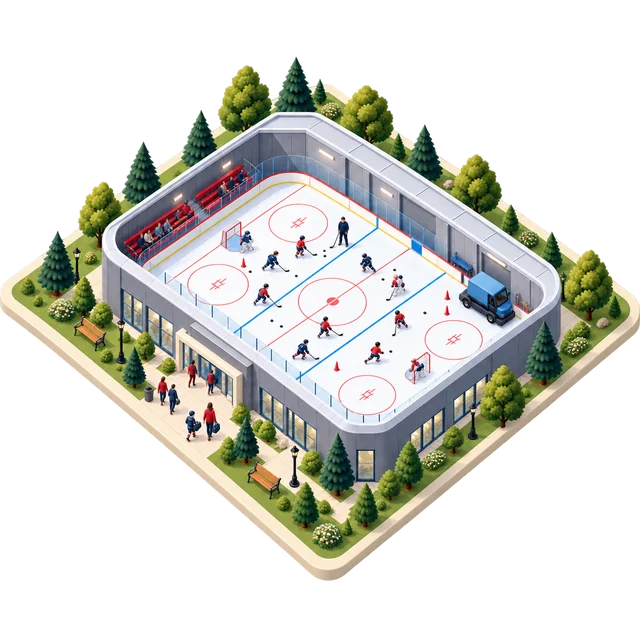
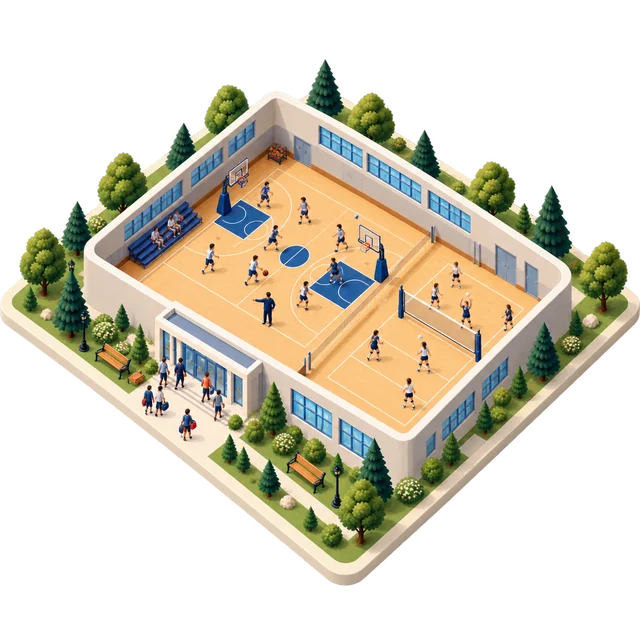

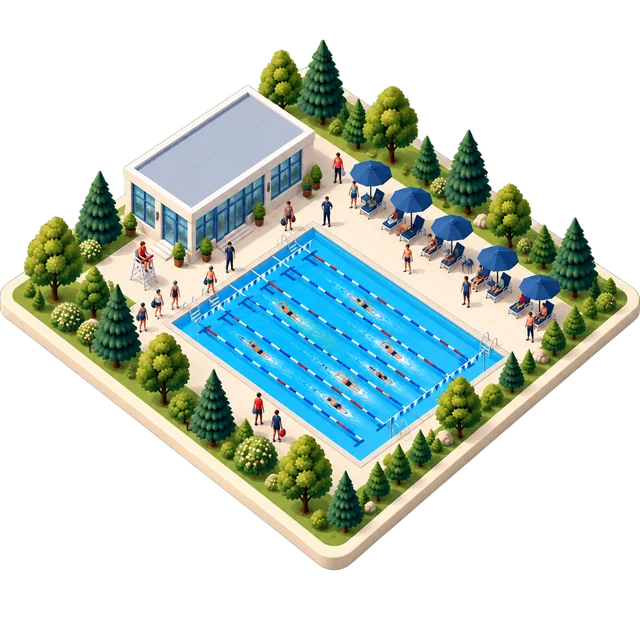

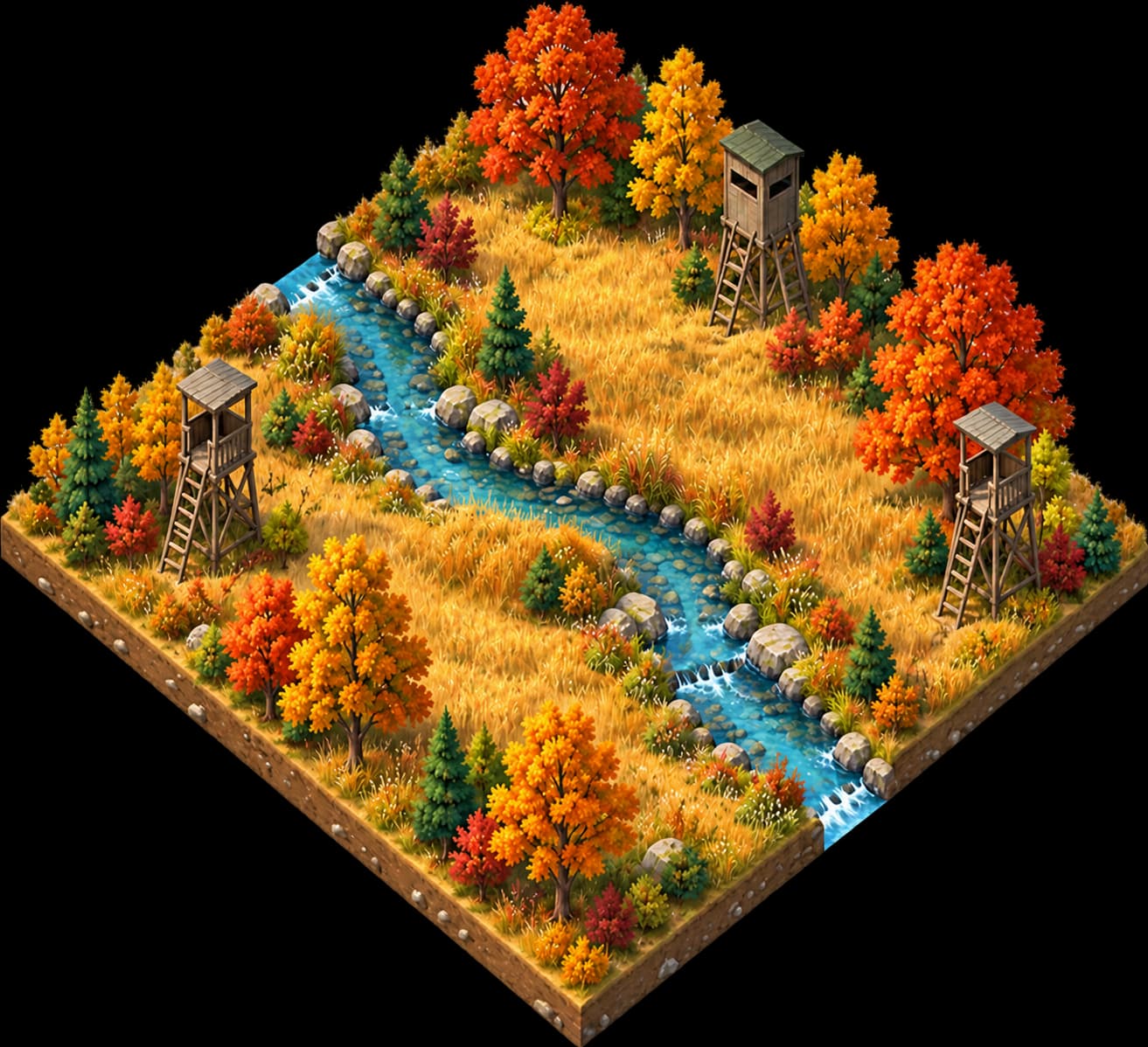
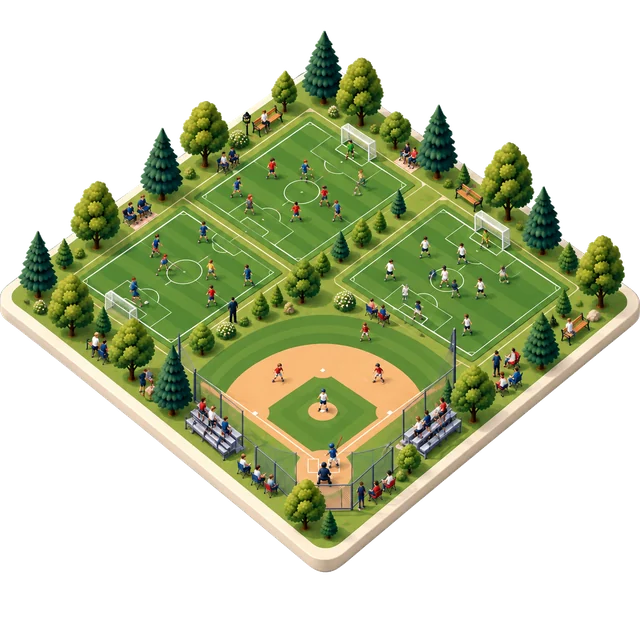

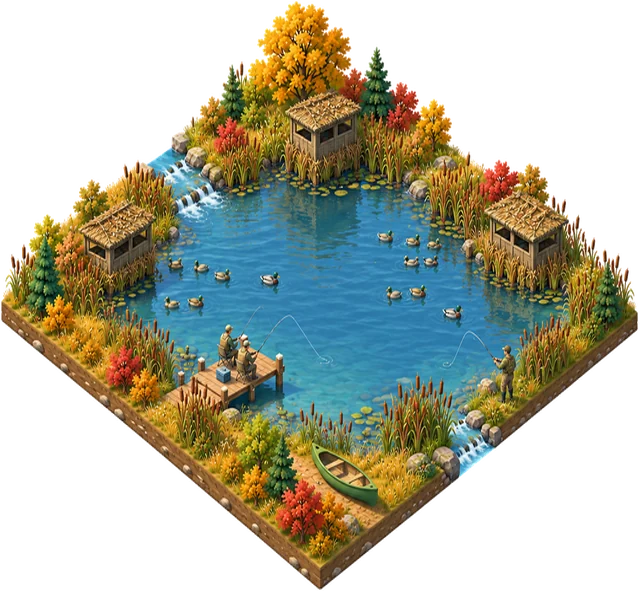
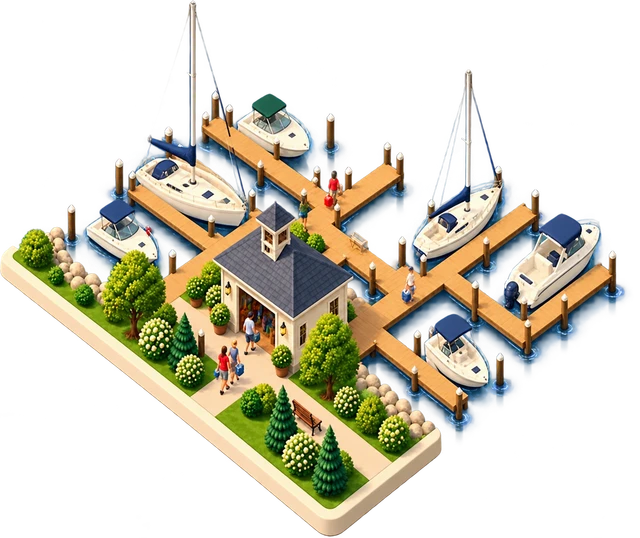
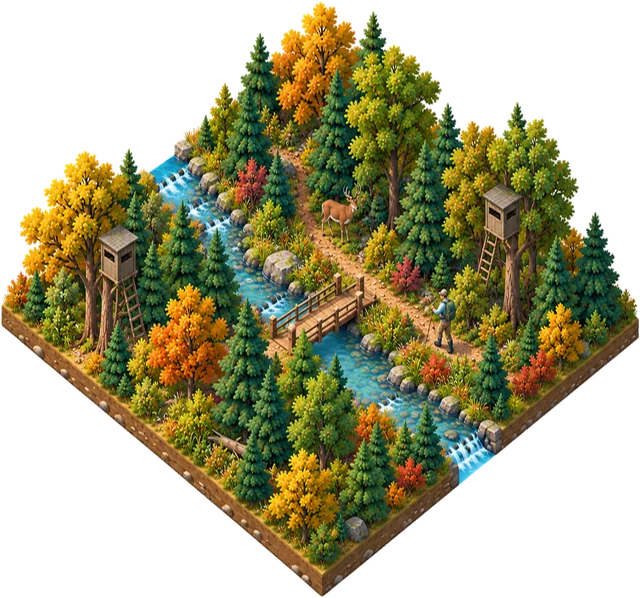

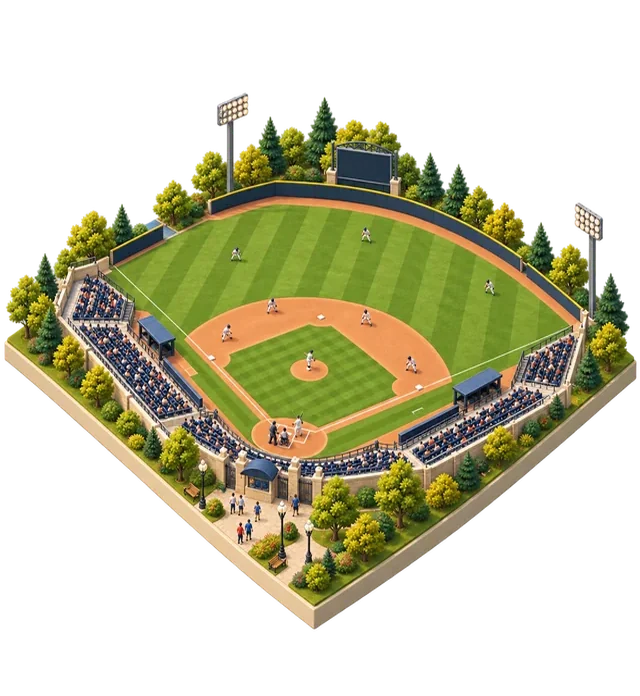
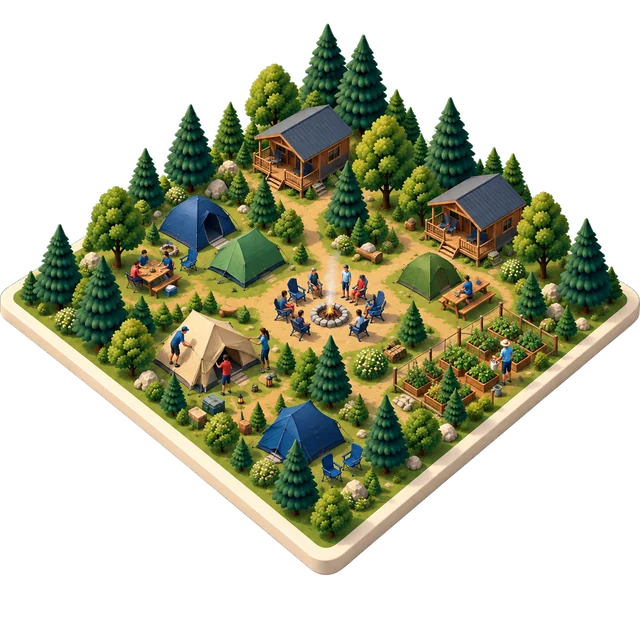





One engine, set up for every kind of turn. Pick a place to see how its order works.
Sports
Outdoors & wildlife
Spaces & shared things
LiveComing
If people take turns choosing from something limited, it probably fits.
Tell us what you shareFind your kind of sign-up
Select a plot’s info button or an option below to see how it works.
Sports
Outdoors & wildlife
Spaces & shared things
LiveComing
Same gym. A clearer way to share it.
Less chasing for organizers. Clearer choices for coaches. See the difference, side by side.
Main gym · six teams · weeknightsIllustrative example
Free-for-all
With Ordallo
| Free-for-all | The result | With Ordallo |
|---|---|---|
| 1 | Double bookings | 0 |
| 1 | Unusable gaps | 0 |
| 3 | Reminder emails you sent | 0 |
| 3 of 6 | Teams with a confirmed time | 6 of 6 |
Illustrative voices, not customer quotes
- The order
Free-for-all“Why did they get to choose first?”
With OrdalloSet and publish the order before anyone picks.
- Your turn
Free-for-all“I missed my turn while I was at work.”
With OrdalloHeads-up and your-turn emails keep coaches informed.
- Conflicts
Free-for-all“Two teams both claimed Thursday at 6:30.”
With OrdalloOne confirmed selection. No double booking.
- Usable time
Free-for-all“Nobody can use that 30-minute gap.”
With OrdalloYour minimum-gap rule protects usable time.Beta
A shared order.
Fewer loose ends.
You set the choices and the rules. Participants see their turn, review a selection and confirm it in one place.
- 01
Set the table
Add your available times or inventory, define limits and agree the group order before opening.
- 02
Let each group choose
Send personal invitations. When a turn opens, the participant chooses from the options still available.
- 03
Keep the record
Confirm each selection, track changes and give participants a receipt they can come back to.
See it in 60 seconds.
Two short stories about a calmer sign-up.
Try one up close.
Each example runs on fictional data, entirely on the page.
Practice time
Schools, clubs and associationsShare the gym, rink or field you already have. Agree the order, set the available times and let each group choose when its turn opens.
Marina slips
Marinas and member associationsPresent slips as named inventory for an explicit date range. Give members an agreed order and a map or list that reflects the same availability.
Whole items
Organizations sharing finite inventoryAllocate equipment, stalls or other whole items over a date range. Show the units that remain and let a participant review an exact quantity before confirming.
A few practical questions.
Does this decide who goes first?
The organizer sets the order and event rules. The sign-up makes that order visible and opens each turn accordingly.
Can participants choose at the same time?
Events can use configured turn windows. Availability is checked again when a selection is confirmed, so a displayed choice is not a reservation.
Can people pay when they pick?
Not yet. Online payments are being set up. Until they’re on, organizers collect payment the way they do today.
Is this only for sports?
Practice time is where it started. Date-based item allocations and named inventory maps support other finite resources, including equipment and marina slips. The other blocks on the map are on the way.
I already have an invitation. Where do I go?
Open the personal link in your invitation email, or enter its access code below.
Bring your allocation problem.
Tell us what you share and how people choose today. We can walk through the fit together.
Open the sign-up
Use the personal link from your invitation. If needed, enter the access code shown in the email.